1
Connect your email
Securely connect Gmail or Outlook in minutes.
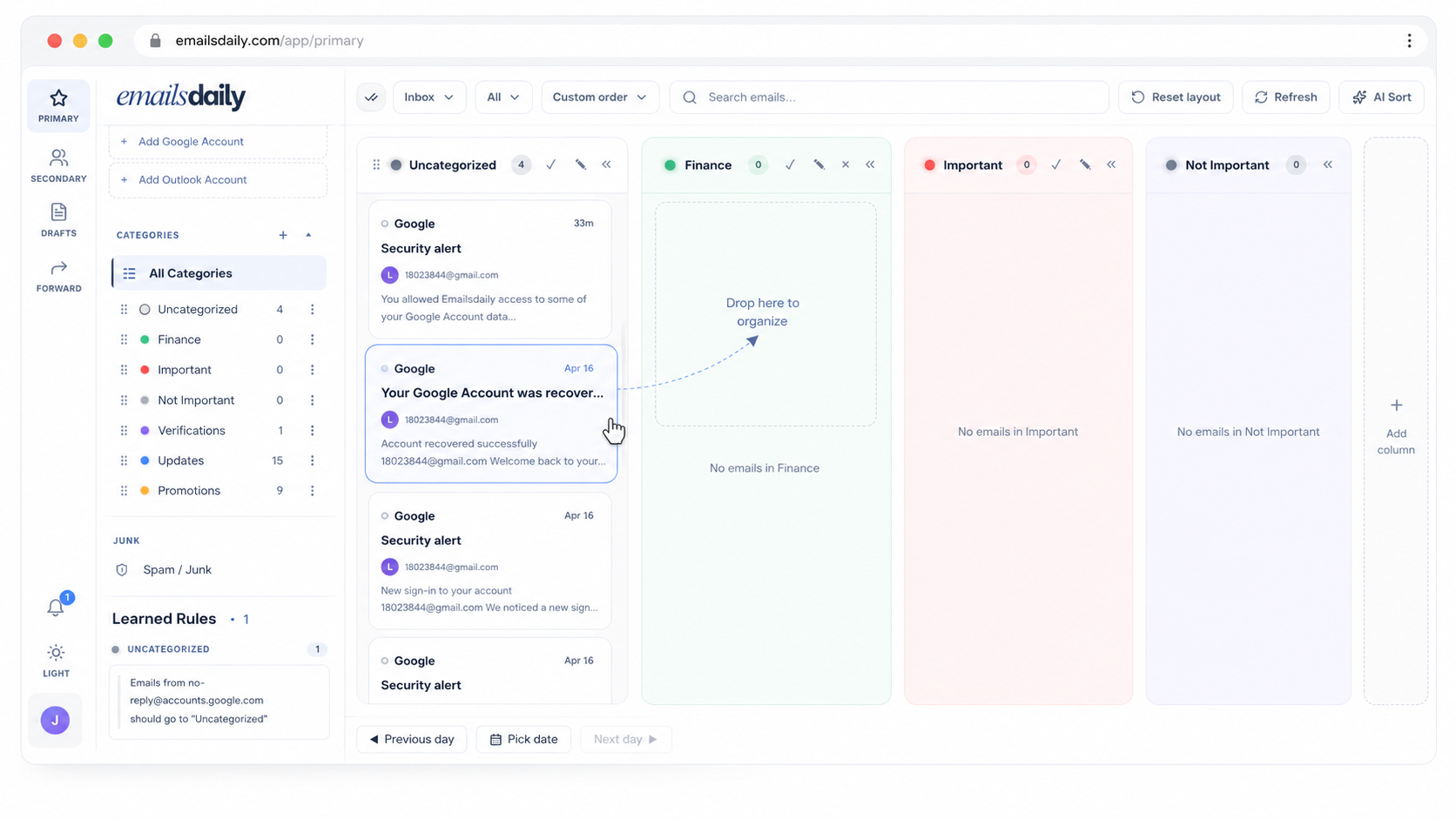
Link Gmail or Microsoft mail, sync messages into custom categories with optional AI sorting and rules, then handle mail in the board, calendar, and the AI assistant.
How it works
Securely connect Gmail or Outlook in minutes.
Our AI sorts, tags, and prioritizes every email automatically.
See your focused inbox with the right context at a glance.
Respond faster, stay on top of everything, and reclaim your day.
Providers
Gmail + Outlook
Workspace
Primary + Secondary
Views
Board + Chat
Drag-and-drop columns, a Primary + Secondary workspace, and an Uncategorized fallback that keeps the AI honest.
One inbox stays front-and-center; the rest live one click away with their own columns.
Create columns for the projects, clients, or topics that matter, then rename and reorder anytime.
Anything the AI isn't confident about lands here so nothing important slips past you.
Every time you move a thread, the sorter gets a hint, and rules take effect immediately.
No magic, no black box. Sorting is the product of three predictable parts.
You define the columns and what belongs in them. The AI matches incoming mail to those definitions.
Drag a message and we learn from it. Add explicit rules for senders or subjects when you want certainty.
Sender, subject, snippet, and labels drive most decisions, so full bodies are fetched only when needed.
We're an email tool, not an email warehouse. Here's how we keep your inbox yours.
We use Google and Microsoft sign-in, so you can revoke access any time.
We persist subjects, senders, and snippets, never your full message bodies.
TLS everywhere and encryption at rest for every record we keep.
Disconnect and wipe your data from Settings in one action, no support ticket needed.
Connect Gmail or Outlook, sync, and watch your board come together in under a minute.